
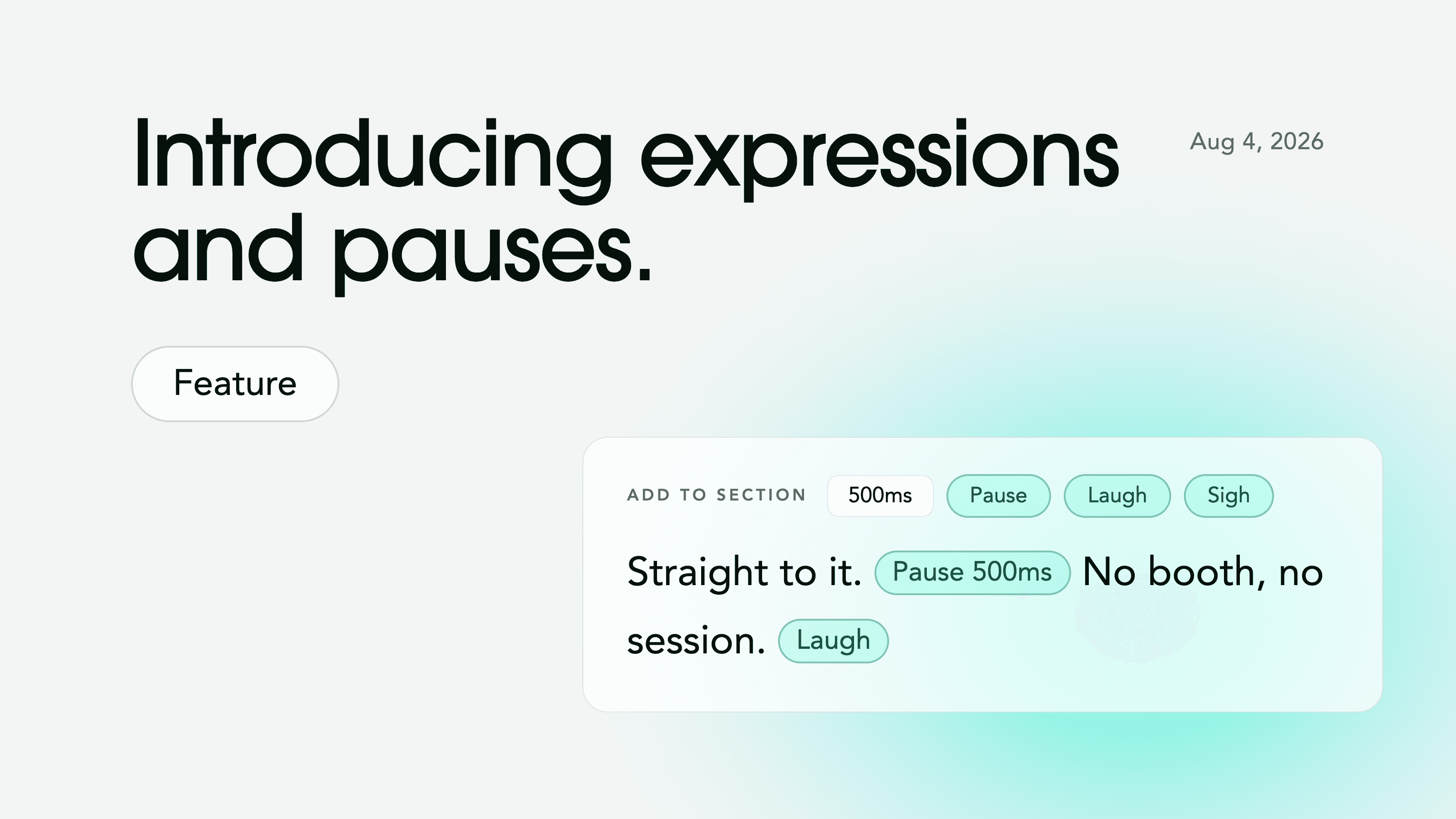
Today, Voice-Swap is adding Expressions and Pauses to Voiceover_Studio, giving creators more control over the timing, reactions and delivery of their AI voiceovers.
Expressions let you add conversational sounds such as laughs, sighs and acknowledgements directly to your script. Pauses let you control exactly where silence happens, from 50 milliseconds to 10 seconds.
Until now, creating these moments could mean experimenting with punctuation, regenerating lines or editing the audio manually after export. With Expressions and Pauses, they can now be added, reviewed and adjusted directly inside Voice-Swap before generating the performance.

Add expressions to your script
The new Add Expression button lets you place natural conversational sounds exactly where you want them.
Available expressions include:
Laugh
Sigh
Mmm / agreement
Hmm / disagreement
Hmm?
Ah!
Oh!
Expressions remain visible in the script, so you can review, move or remove them before generating your audio. They can add character, communicate a reaction or make a voiceover feel more natural.
Control the timing with pauses
The new Add Pause button lets you insert a precise pause anywhere in your script. Choose from preset pauses between 50 milliseconds and two seconds, or enter a custom duration of up to 10 seconds.
Use pauses to:
Create space before a product or brand name
Build anticipation before an important reveal
Separate steps in an instructional voiceover
Give a question room to land
Add emphasis to a dramatic or emotional line
Create a clearer change of pace between sections
Because pauses are part of the script, you can see exactly where they happen and how long they last, without exporting the audio and adding silence in separate editing software.
More control over every performance
Expressions and Pauses give creators more direct control over how an AI voice performs a script. Expressions shape the reactions and conversational cues between spoken words. Pauses shape timing, emphasis and space. Together, they make it easier to direct not only what a voiceover says, but how it should be heard.
Explore Expressions and Pauses in Voiceover_Studio today: www.voice-swap.ai