
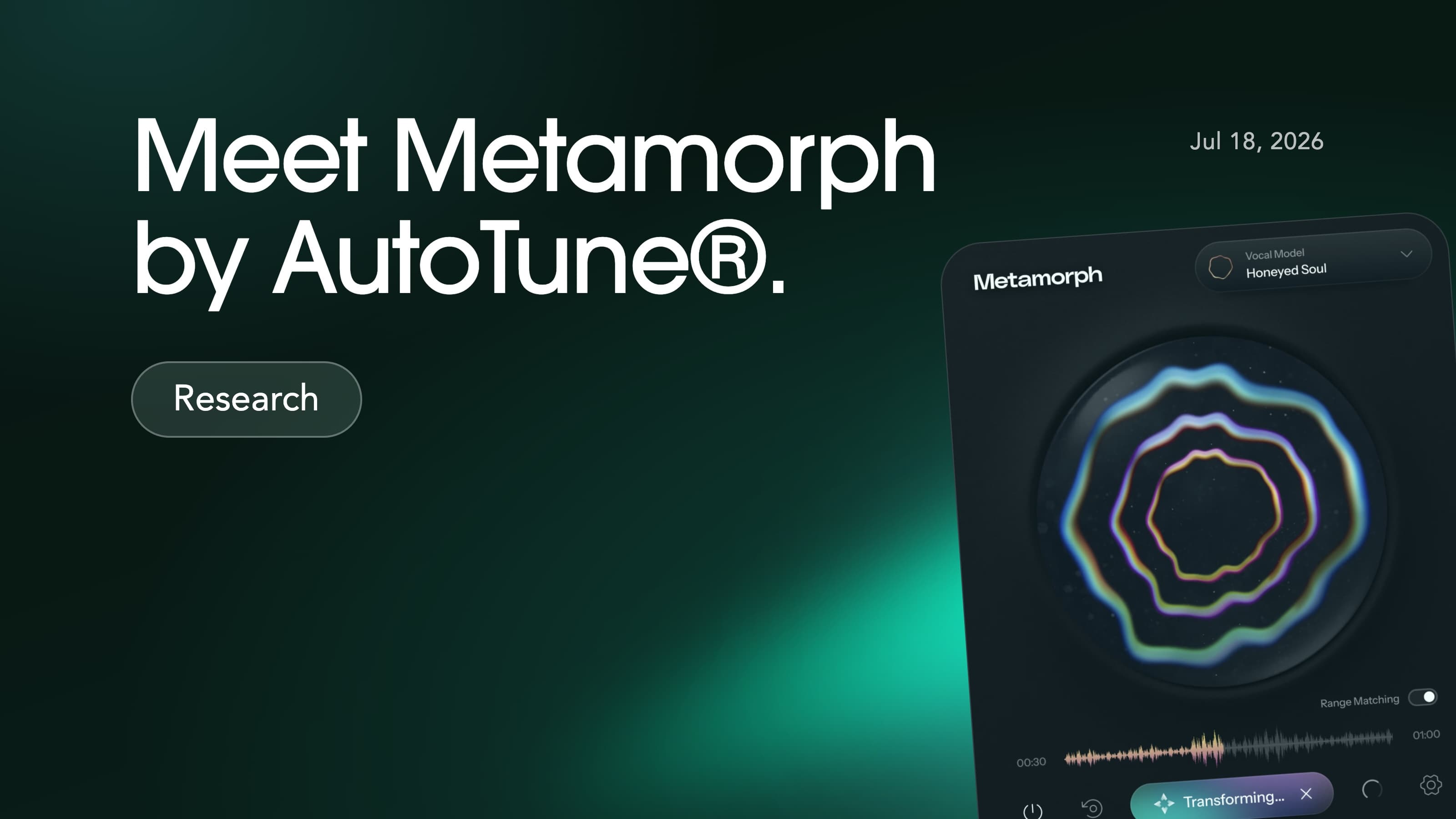
Voice-Swap now lets creators build and download a model of their own voice for use in Metamorph by AutoTune®.
The new Export Models workflow allows producers, songwriters and vocalists to upload clean acapella recordings, train a downloadable voice model, and import it directly into AutoTune’s® Metamorph. Try it here.
To celebrate, you can Buy One Get One Free on your voice model until August 28th! To take advantage of the offer, create a voice model for Metamorph here. You'll then receive an email with a code to redeem another model. See T&Cs* below.
Metamorph by AutoTune’s® vocal transformation plug-in. It lets music creators transform a vocal recording using voice models directly inside their DAW, and its model-import feature supports third-party RVC voice models. That means you can create a model on Voice-Swap and import it into Metamorph by AutoTune® alongside the other voices in the library.
Heads up – RVC models do not work with Voice-Swap’s own plugin or web platform, so make sure you’ve selected the right type of model before you begin.
As ever, this is about technology working alongside talent, not instead of it. Your voice model begins with your own recordings, and you retain ownership and creative control over how you use it.
What you need
Creating an exportable voice model starts with 10-to-40 minutes of clean vocal recordings.
The most important thing is audio quality. Record in a quiet room with a decent microphone where possible, and keep the vocal completely dry:
No backing track
No reverb, tuning, compression or effects
No instrumental bleed
No long silences or obvious mistakes
You can record fresh material, or use existing acapella recordings if they are clean enough. Cover your comfortable vocal range, from low notes to high notes, and include a natural mix of sustained notes, short phrases, vowels, melodies and dynamics. The clearer, more varied material you provide, the more flexible your completed model can be. Read our FAQ below for more advice on how to build your model.
Create and download your model
Log in to Voice-Swap, open My Models, then select Export Models. Choose Create Downloadable Voice Model, add a model name and upload your vocal files.
Voice-Swap accepts WAV and MP3 files. For most users, the default settings are the right place to start, but if you’re an expert, you can tweak them for your needs.
Once your model is complete, we’ll notify you by email. You can also find it in the Export Models section of your dashboard, ready to download. Your voice is now ready to use in Metamorph by AutoTune® – or another compatible RVC app or plug-in.
If you want to use it with Metamorph by AutoTune®, open the plugin in your DAW, select Import Model in the Preset drop-down window, and choose the model file you downloaded from Voice-Swap.
FAQ
How much does it cost to make a model?
Downloadable models cost £7.99 to create.
Can I make a model from existing recordings?
Yes. As long as the recordings are clean, dry and a cappella, existing material can work well.
Can I upload someone else’s vocals?
Only if you have their clear permission and can prove it. Voice-Swap is built around consent, control and creativity.
Can I use an Export Model in the Voice-Swap website or plug-in?
No. Export Models are made for compatible external RVC tools.
What are advanced settings?
Advanced Settings are designed for experts who want to fine-tune how their model is trained. The two settings are epochs and F0 method. Fewer epochs train faster but may produce a weaker likeness; more epochs can improve the result, but too many may overfit, so more is not always better. The F0 method controls how pitch is extracted and represented. RMVPE is generally a strong choice for singing. Our defaults should work well for most voices, though the best settings depend on the training data. If you’re unsure, contact us for help.
How does the number of epochs change the training?
An epoch is one complete pass through your training data. More epochs give the model more opportunities to learn your voice, but also increase training time and can eventually cause overfitting. Fewer epochs train faster but may produce a weaker likeness. The ideal number depends on the amount and quality of your audio, so more epochs are not always better. If you’re unsure, contact us for help.
What pitch extractor (F0) is best for my audio?
RMVPE is recommended for most singing vocals. It is designed to track vocal pitch accurately across different ranges and melodies. Our default RMVPE setting should be suitable for your audio.
Can I add more data to my model later, and do I need to pay for retraining?
You can add more data later, as well as change any settings, name and more. Every model includes one free retrain, so you can improve the same voice without paying again. After that, retraining costs £7.99.
Do I need to have a subscription to train a model?
No. You can pay once to create and download your model, without a subscription. If you want to use Voice-Swap’s web platform, plugin and more, you will need a subscription and a different model type.
Can I include different vocal styles?
Yes. Include all the vocal characteristics you want your model to reproduce. If you sing both rock and soul music, for example, record your data in both styles. Your model then has more information about how you sound on both types of vocals.
Can I share my Export Model?
Yes. Your model is downloadable as a .pth file. It is yours to use as you wish, including sharing with collaborators or fans.
What if my recordings are poor quality?
Poor recordings produce a poor model – what goes in is what comes out. If your first attempt disappoints, you can use your free retrain with better material rather than starting over. Watch our video guide to get it right first time.
What if the model comes out badly?
Recording quality is the most common cause, but not the only one. If your audio was clean, it's usually one of these:
Not enough variety. If you only recorded in one style or one part of your range, the model has nothing to draw on outside it. Add material covering your low and high notes, sustained notes and short phrases, and any other styles you sing.
Not enough material. Closer to 10 minutes than 40 gives the model less to learn from. More clean data almost always helps.
Settings. Too few epochs can produce a weak likeness; too many can overfit, which often sounds brittle or artefacty. If you changed the defaults, try putting them back.
The audio you're converting. If it's in a very different range or style from your training data, the model may struggle or drift – that's a usage mismatch rather than a fault in the model.
Every model includes one free retrain, so you can add data or change settings and try again without paying.
Will the model sound exactly like me?
If the training data follows the guidelines in our video tutorial here, your model will likely sound like you. However, if the audio you want to convert using your model is entirely different from the way you sing, or has a very different pitch range or style, you may find your model struggles to re-create it, or drifts slightly from your likeness.
Is there a limit to how many models I can create?
No. You can create as many models as you like.
Is my uploaded audio kept private?
Yes.
What sample rate and file format should I upload?
For best results, your audio should be in a lossless format like WAV and be at a 44.1 kHz sample rate. MP3 is accepted too, but please use a bitrate of 320 kbps.
*Terms and Conditions
Offer valid on the first Export Model training purchase made by a customer during the promotional period between 28 July 2026 and 28 August 2026 (inclusive).
Limited to one complimentary Export Model training per customer.
A unique redemption code will be issued and emailed following confirmation of the qualifying purchase.
The redemption code is valid for 12 months from the date of issue.
The redemption code may be redeemed once only for one Export Model training.
The redemption code is non-transferable, has no cash value and cannot be exchanged for cash, credit or any other product or service.
The offer cannot be combined with any other promotion, discount or promotional code unless expressly stated by Voice-Swap.
The complimentary Export Model Training is subject to the Voice-Swap Terms of Service in force at the time of redemption.
Voice-Swap reserves the right to verify eligibility and refuse or cancel any promotional code issued or redeemed in cases of fraud, abuse or breach of these Terms or the Voice-Swap Terms of Service.
Voice-Swap reserves the right to amend, suspend or withdraw this promotion at any time. Any valid redemption codes issued before such amendment, suspension or withdrawal will remain redeemable in accordance with these Terms.