
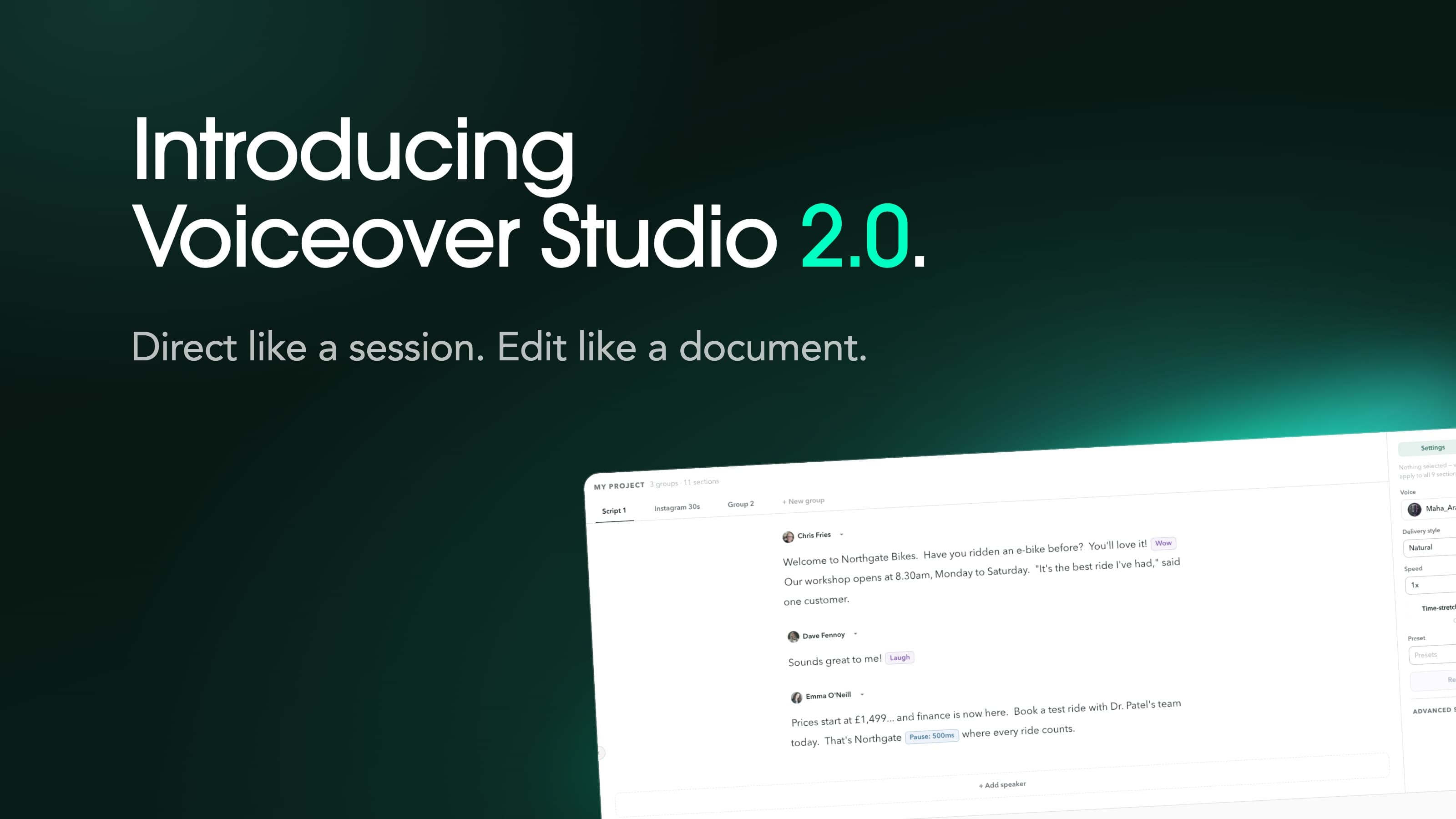
Voice-Swap has launched Voiceover Studio 2.0, a redesigned, browser-based AI voice production suite for content studios, production houses, voiceover professionals, and advertising and marketing teams. Available today, it gives users control over pacing, phrasing and delivery down to individual words, with tools to save performances, download projects, reuse settings and more.
The launch offer gives users 50% off the first three months of all individual and team Voiceover plans with code VoiceOver_50.
Existing Voice-Swap users can access Voiceover Studio through their account, with 1,000 free characters to try it. Click here to try it now.
Edit like a document. Direct like a session.
Voiceover Studio 2.0 connects the script directly to the audio. Selecting words highlights the corresponding part of the waveform, so users can find, hear and adjust a phrase from the same workspace.
After generating a voiceover, users can refine individual words, phrases or sentences: change the delivery style, adjust the speed, insert a precisely timed pause or generate an alternative read. Re-reading selected words replaces only that portion of the audio, preserving the surrounding performance.
The workflow gives professionals a way to direct a read through specific changes, reducing the time and credits spent repeatedly generating audio to find the delivery they want.
Shape how a brand sounds
For advertising and marketing teams, the way a line is spoken matters as much as the words themselves. A brand name may need more space. An introduction may call for an upbeat delivery, followed by a more measured closing. A pause before a final line can change how the message lands.
Voiceover Studio lets users shape those choices within a single script. Delivery styles guide the character and emotion of the read, while speed and pause controls refine its rhythm.
Users can also generate alternative takes of a sentence and switch between them to compare performances, keeping the version that best serves the brief.
Keep the performance and refine the timing
Voiceover Studio offers two approaches to speed changes. Time-stretch adjusts existing audio while keeping the performance; True Speed generates a fresh read at the chosen pace. Selected-word speed changes use time-stretch.
For work with a fixed running time, Fit adjusts audio to a target duration within the supported speed range. Users can also trim, move and split clips, adjust volume and reduce breaths through the editing workspace.
Time-stretching, fitting to a duration and editing existing audio use no generation credits. New takes and selected-word re-reads use credits for the text being generated, while switching between existing takes is free.
Save a setup for the next project
Presets let users save, recall and download combinations of voice, delivery style and speed. Projects retain scripts, settings and takes, and can be downloaded as project files.
Voiceover Studio 2.0 uses the existing Voice-Swap voice roster and also supports users’ own custom voices.
Finished audio can be exported as a full mix or individual sections in WAV or MP3, with original loudness or presets for podcast, social and EU and US broadcast delivery.
Available today
Voiceover Studio 2.0 is available through existing Voice-Swap accounts, with 1,000 free characters to explore the workspace and create a first read.
To mark the launch, use code VoiceOver_50 for 50% off the first three months of any individual or team Voiceover plan. The code can be redeemed once per user, on or before Nov 30, 2026.