
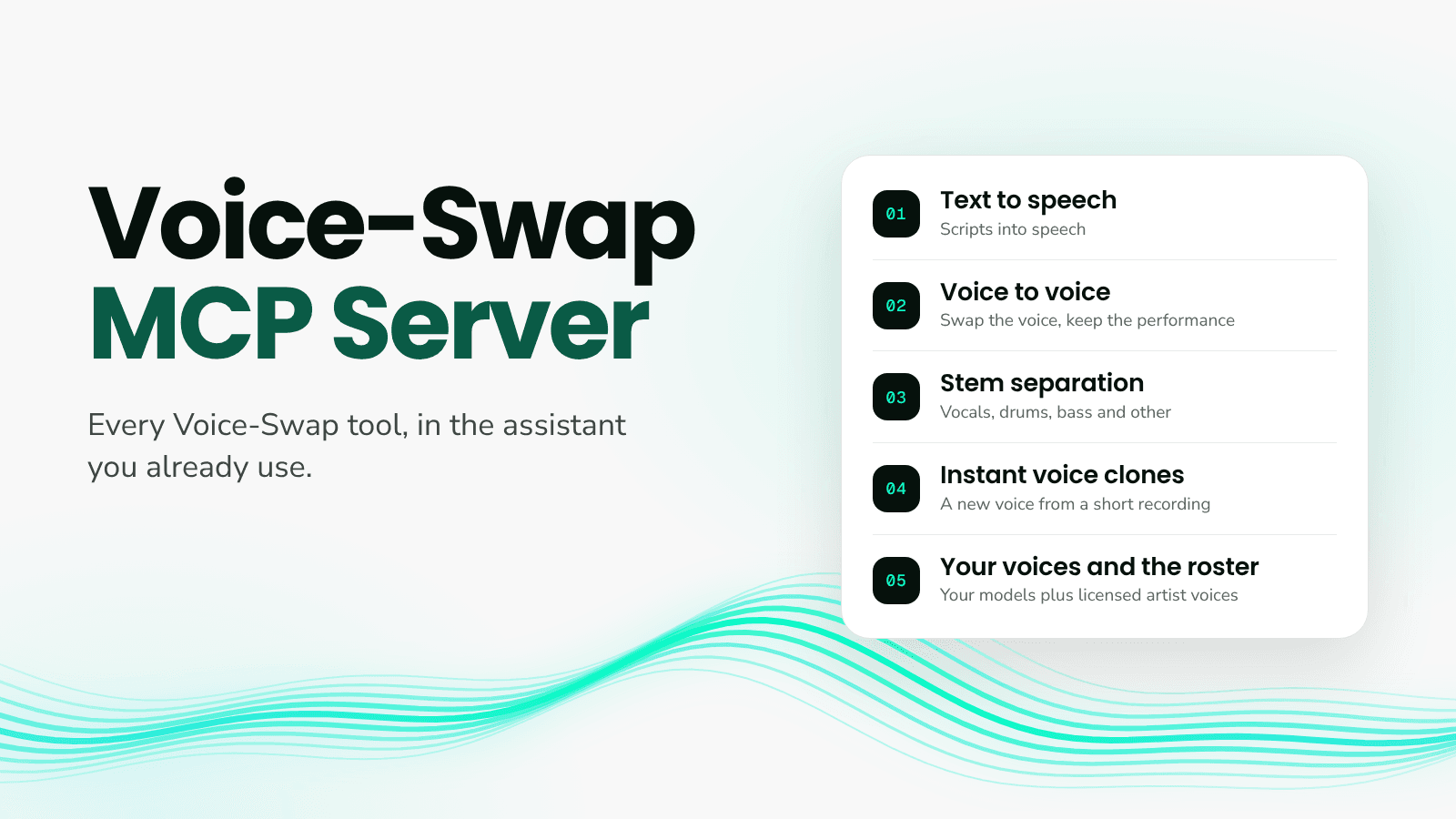
Voice-Swap has launched its MCP server, which lets Claude, Cursor, Codex and more generate speech, swap voices, separate stems, clone voices instantly, and more, just by asking.
Connecting is free. Anything you create uses the same credits and TTS characters as the Voice-Swap web app, at the same rates, with your own voices, your instant voice clones and our public roster of artist voices.
Connect Voice-Swap to your AI assistant here.
What you can ask for:
Text-to-speech: turn a script into speech with your own voices, your instant voice clones or our public roster of artist voices.
Voice to voice: swap the voice on a vocal or spoken recording while keeping the performance, with optional transposing.
Stem separation: split a track into four stems: vocals, drums, bass and other.
Instant voice clones: create a new speaking voice from a short, clean recording.
Browse voices: search your own voices and the public roster to find the right one.
You never need to name a tool: describe what you want and your assistant picks the right one. Need to bring in a recording? Ask for an upload link. Finished audio comes back as a download link, ready to play or drop straight into your session.
Your account, your voices
Everything runs on your Voice-Swap account. You sign in on a Voice-Swap page, so your password and API keys never go into your assistant, and you choose what it's allowed to do. Your custom models and instant voice clones sit alongside the roster, and you can disconnect at any time.
Roster voices are built with the artists who own them, and those artists are paid when their voice is used. Personal use is free; for commercial work, ask your assistant for a licence link and it will take you straight to the request page.
What is MCP?
MCP stands for Model Context Protocol, an open standard for connecting tools to AI assistants. Add the Voice-Swap server once and your assistant can use our tools whenever you ask, without leaving the conversation.
Get started
Once you're connected, start a new chat and ask: "What can I do with Voice-Swap?"